Password Management: The Complete Guide To Protecting Your Online Accounts In 2026
Did you know just one reused password could put several of your online accounts at risk?
If the same login details are used for your email, banking, shopping apps or social media, one data breach could potentially give cybercriminals access to multiple accounts, including information relating to your insurance policy or takaful certificate.
With so many accounts to keep track of, reusing passwords may be convenient, but it can leave your personal information, financial details and sensitive data vulnerable. That’s why good password management matters.
The good news? Strong password security doesn’t have to be complicated. Using long, unique passwords, storing them securely in a trusted password manager, and enabling multi-factor authentication (MFA) can make protecting your accounts much easier.
Password Management At A Glance

For stronger password security in 2026:
- Use a long, unique password for every account
- Aim for at least 15–16 characters where the service allows it
- Use a password manager to generate and securely store passwords
- Never reuse important passwords across different accounts
- Turn on MFA, particularly for email, banking and other sensitive accounts
- Change your password when you know or suspect it has been compromised rather than changing every password on an arbitrary schedule
- Consider passkeys when a trusted service offers them
If you only change one habit today, make it this one: stop reusing passwords.
Why Is Password Management Important?
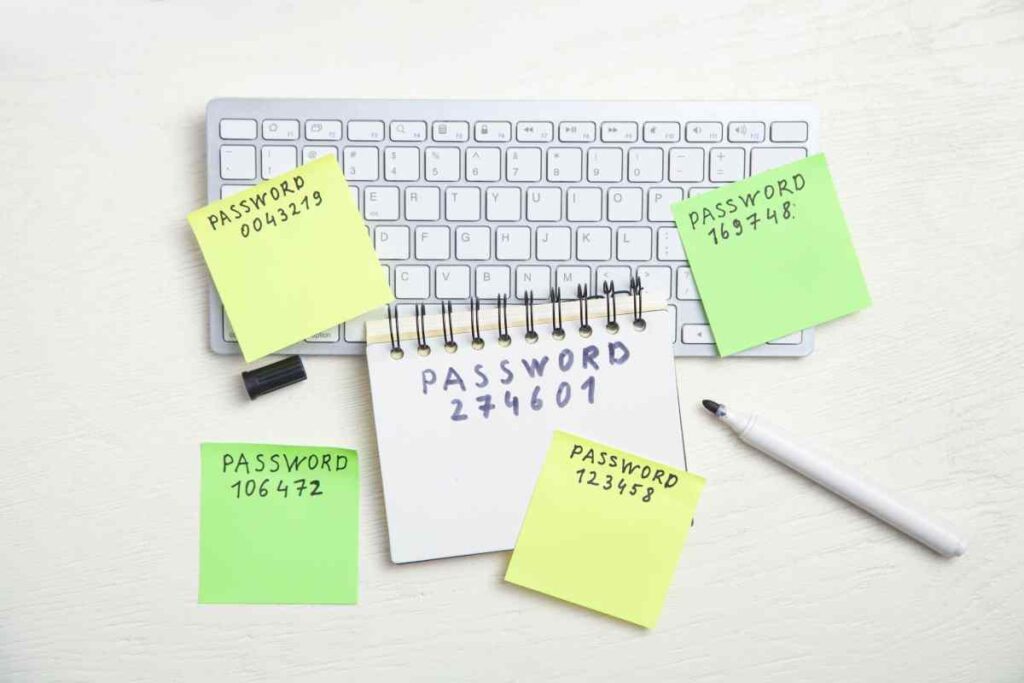
Cybercriminals often target passwords because it’s an easy access to online accounts. If you think you’re safe because “no one is targeting me” then you must know that you don’t need to be personally targeted to be at risk.
Credentials exposed in a data breach is random and done on a large scale. Once a password is available, it can be automatically tested on other websites (banks, e-commerce sites, social media, etc) in an attack known as credential stuffing.
For example, if you reuse your email password for Etiqa+ and that password is exposed elsewhere, an attacker may try the same login combination to access information relating to your policy or takaful certificate. A unique Etiqa+ password helps contain the impact of a compromise to one account.
Here’s a quick look at why good password management matters.
- Reduce the risk of credential-stuffing attacks
- Protect your personal and financial information
- Keep login credentials organised and secure
- Minimise the impact of data breaches
- Avoid having to remember dozens of different passwords
- Strengthen your overall online security
Ultimately, strong password security isn’t just about creating better passwords. It’s about building better habits around how passwords are created, stored and protected.
What Makes A Strong Password?
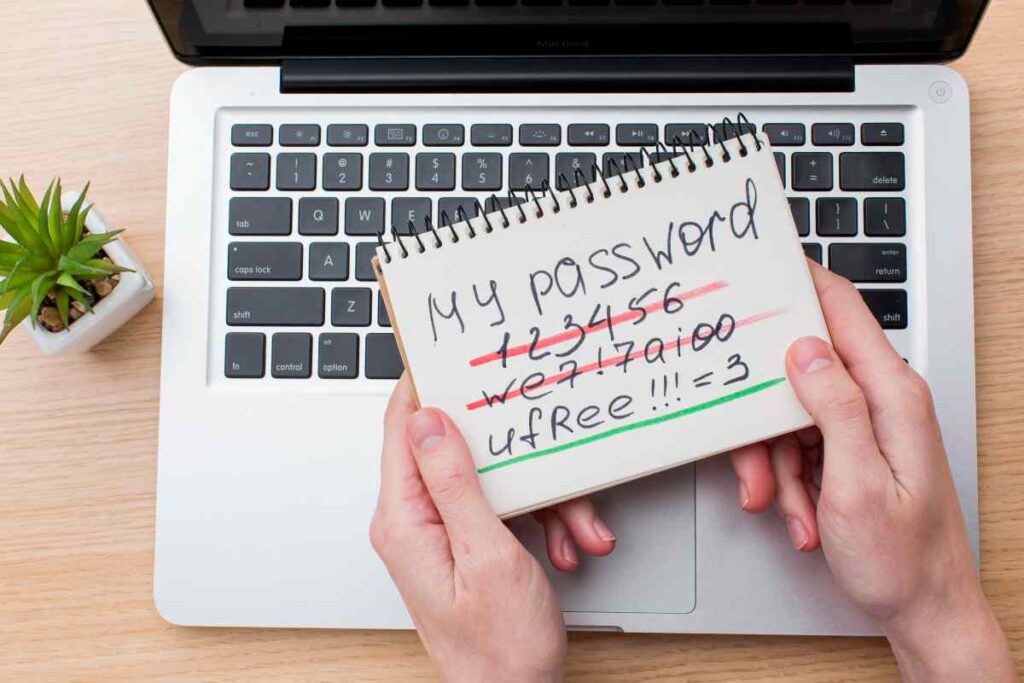
A strong password is long, unique and difficult to predict. For years, people were encouraged to create short but complicated passwords that looked something like: Tr!$12bX
It certainly looks complicated. But it’s difficult to remember and relatively short. Modern password guidance increasingly prioritises length, uniqueness and randomness rather than simply forcing users to add a capital letter, number and symbol.
A strong password should ideally:
- Be 12-15 characters or longer where supported
- Be unique to one account
- Be difficult to predict
- Avoid personal information and common phrases
- Be randomly generated by a password manager where possible
- Be stored securely
- Never be reused across multiple accounts
The simple rule to create a good password is to remember this formula: long + unique + unpredictable.
Strong Password Examples: Which Ones Are Actually Secure?
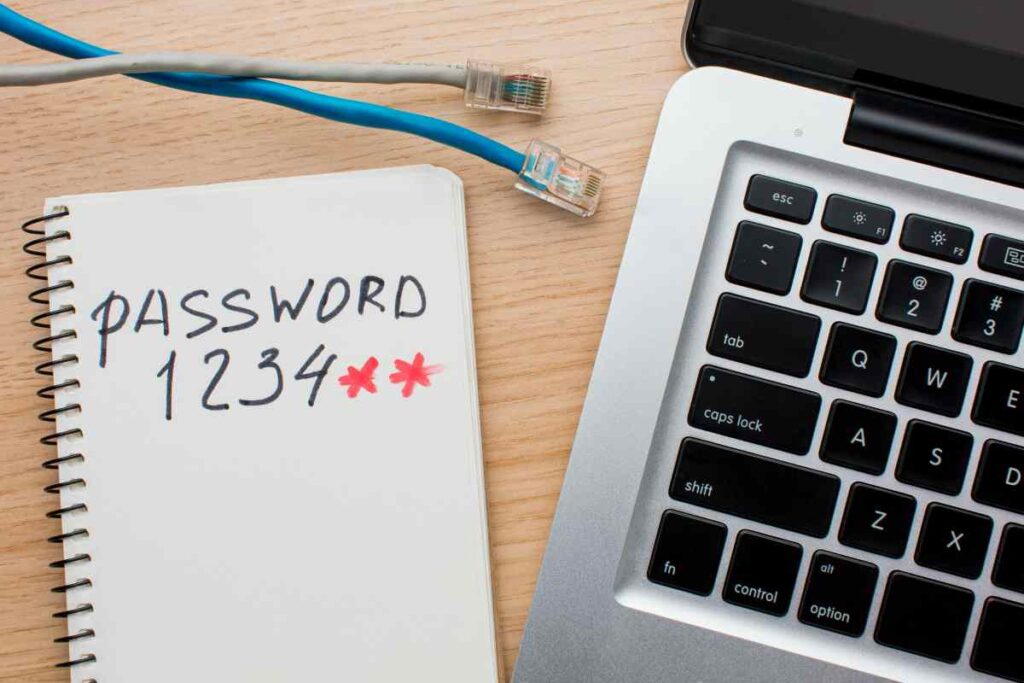
One of the most common challenges in password management is knowing whether a password is truly secure. Let’s break it down.
Weak Password
12345
You know it, I know it. This one is practically an open invitation for hackers. Using a password like this is the digital equivalent of leaving your front door wide open and hoping nobody notices. It’s common and predictable.
Other common weak passwords:
- password123
- qwerty123
- admin123
- your name followed by your birth year
Typical Complex Password
Tr!$12bX
At first glance, it looks secure. It contains uppercase letters, symbols and numbers. But, no matter how great your memory is, it’s difficult to remember. This means, you’re likely to write it down, save it in unsafe places, or reuse it on multiple websites.
So, what’s the solution to generate a password for your daily accounts? Passphrases.
What Is A Passphrase?
A passphrase is a password made from several words rather than a shorter sequence of characters. Its main advantage is length: a series of unrelated words can create a password that’s both long and easier to remember.
For example, think of four or more randomly selected, unrelated words rather than a famous quote, song lyric or common expression.
Weak Passphrase: ilovecats
Cute? Yes. Secure? Not really.
It’s short, predictable and based on a common phrase.
Strong Passphrase: Eleph@nt$WearY3ll0wHat5
It’s random and easy to remember. But most importantly, it’s highly unlikely that an attacker would guess it.
Other examples include:
- L@nt3rn$!ChAsESlEEp1ngDra9oNs
- P1ZzaD@nce$With@A$tRonaut5!
- CL0ud$Dr1nKC0ff33At!MidNight
These are excellent strong password examples because they’re long, random, and difficult to predict.
How To Make A Strong Password?
If you’ve ever wondered how to make a strong password, follow these five principles.
1. Start with random words
Choose three or four random words but words that are memorable to you. For example: mountain-river-lantern-orange. The more random the combination, the stronger the password becomes.
2. Make it unpredictable
Introduce a symbol, number, or capital letter to your words. Example: M0unta1n-Riv3r!LantErn-0raN9e#
3. Avoid personal information
Never use:
- Birthdays
- Names of family members
- Pet names
- Phone numbers
- Common keyboard patterns – qwertyuiop or asdfghjkl
4. Make every password different
Using the same password for multiple accounts increases the risk of widespread account compromise if a single password is exposed.
5. Remember: Length beats complexity
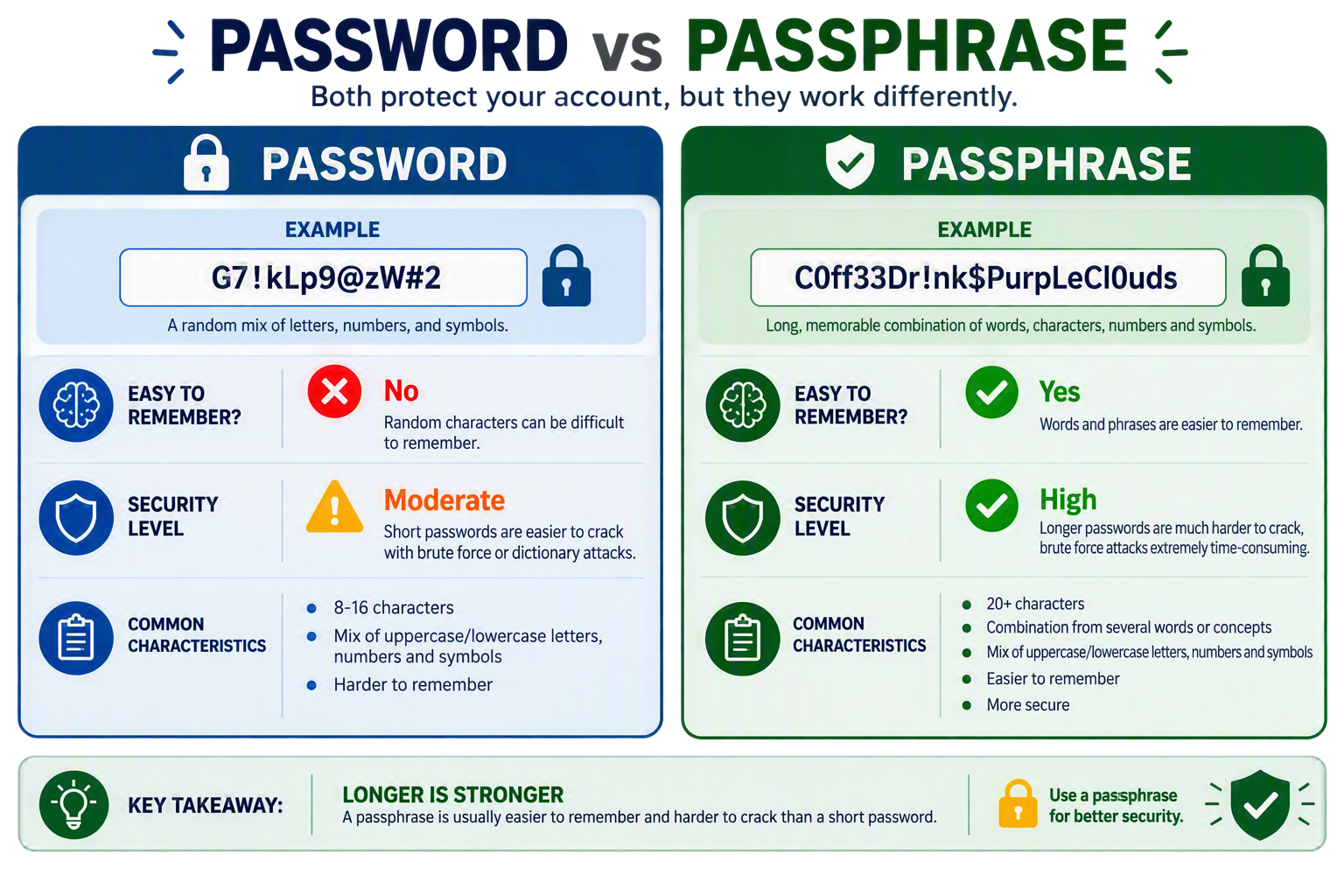
A long passphrase is often more secure and easier to remember than a short password packed with symbols.
Think: C0ff33Dr!nk$PurpLeCl0Uds
Instead of: G7!kLp9@zW#2
Building A Better Password Strategy
Creating strong passwords is only one part of effective password management. Here are several other steps to take to ensure your online security.
Enable Two-Factor Authentication (2FA) and Multi-Factor Authentication (MFA)
Adding a second verification step makes it significantly harder for attackers to access your accounts, even if they’ve uncovered your password. Wherever available, activate the 2FA or MFA options; even if it seems like a hassle for future logins.
Password Storage
How you store and protect those passwords matters just as much. Avoid writing passwords on sticky notes, notebooks, spreadsheets, in a phone app, or any other unsecured formats. Instead, use a reputable password manager.
Monitor For Compromised Credentials
Some password managers and online services can alert you when saved credentials may have appeared in a known data breach. If you receive a legitimate breach notification, change the affected password promptly and change it anywhere else you’ve reused it.
What Are Password Managers?
A password manager is an online tool that securely stores your login credentials in an encrypted vault. This tool removes the burden of remembering dozens of unique passwords. Instead, you will just need to remember one master login or password for your vault. Once you login, you will be able to view all your passwords securely.
Choosing The Best Free Password Manager
A good password manager doesn’t just store passwords. It helps improve your overall password habits. There are many options or brands available online, some paid and some free. When looking for the best free password manager, consider features such as:
- Strong encryption
- Password generation tools
- Secure password storage
- Cross-device synchronisation
- Multi-factor authentication support
- Breach monitoring capabilities
Based on PCMag’s review of password managers¹, these are some of the more common and reliable password managers available today:
Frequently Asked Questions (FAQ)
Your web browsers can save and generate passwords, making them convenient for many users. However, a password manager provides additional security features such as encrypted storage, secure sharing, breach monitoring and notifications, and more.
A passkey is a newer way to sign in to websites and apps without using traditional passwords. They use cryptographic credentials and can be unlocked using fingerprints, facial recognition, or a PIN. The benefit of a passkey is that it cannot be shared, so it has become the preferred password management against phishing attacks.
You don’t need to change your password regularly unless there’s a security risk.
Change it if:
A service experiences data breach
You suspect unauthorised access
Your password appears in a known leak
You’ve shared your password with someone else
Two-Factor Authentication (2FA) is an extra layer of security which enforces two forms of verification to access your account. Typically, this includes:
Something you know (your password)
Something you have (your phone, security key, or authentication app)
So even if your password is stolen, 2FA helps keep your account protected.
Multi-Factor Authentication (MFA) is similar to 2FA, but it requires two or more verification factors to confirm your identity. This can include:
Something you know (password)
Something you have (phone or security key)
Something you are (fingerprint or facial recognition)
In short, 2FA is a type of MFA, and MFA uses multiple layers of authentication for added protection.
Yes. MFA is one of the most effective ways to secure important accounts. It provides an extra safeguard if your password is compromised. It’s especially important for:
Online banking
Email accounts
Work applications
Social media accounts
Cloud storage services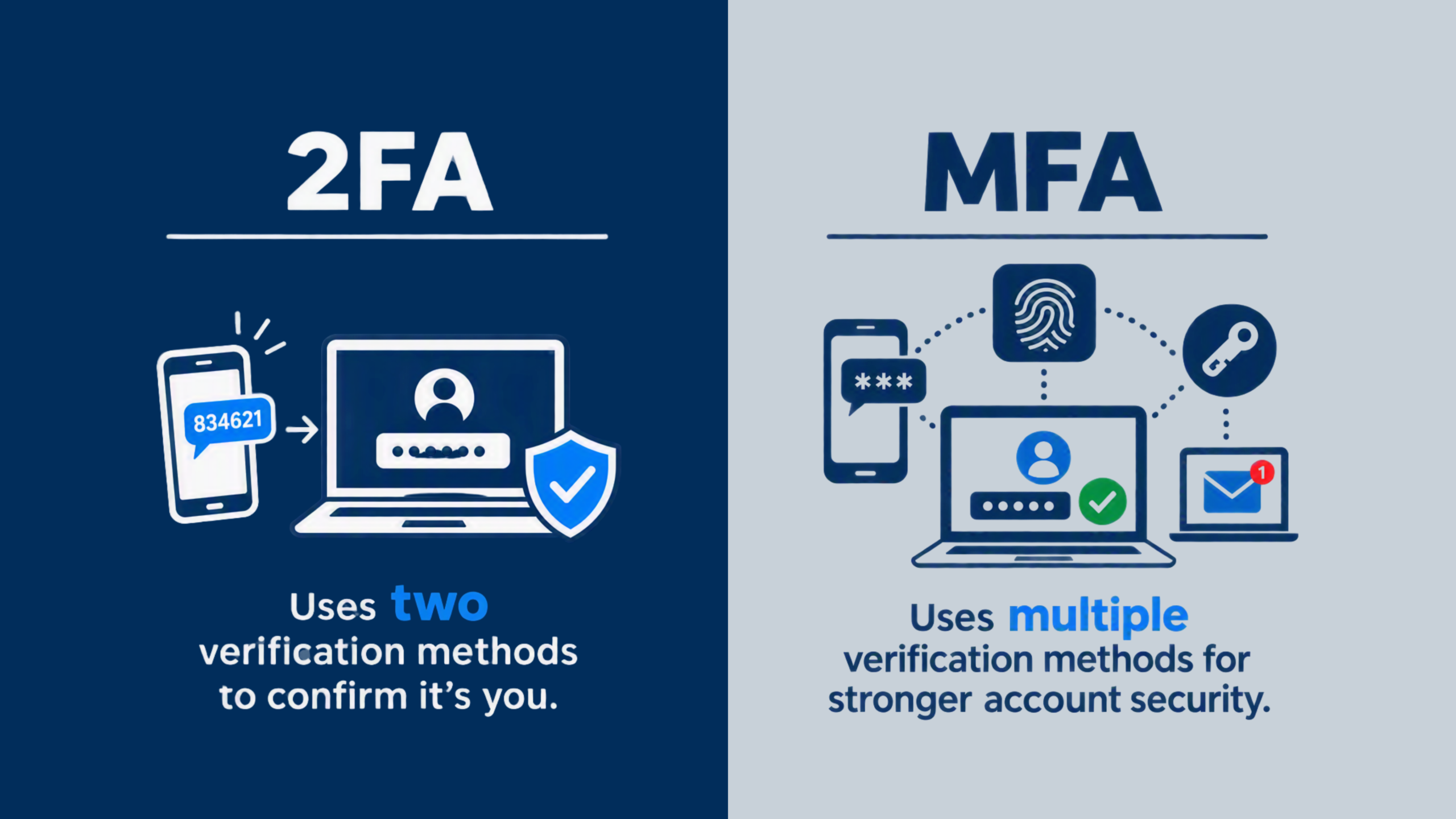
While no security measure is 100% foolproof, 2FA and MFA can significantly reduce the risk of account takeovers and password-related attacks. Using multiple layers of security makes it much harder for attackers to gain access to your accounts. For the best protection, combine:
Strong, unique passwords
A trusted password manager
2FA or MFA
Good cybersecurity habits and awareness
Conclusion
Effective password management is one of the simplest ways to protect your online accounts and the information connected to them. For Etiqa customers, using a unique password for Etiqa+, protecting the email account linked to your services, using a trusted password manager and enabling 2FA or MFA where available can significantly reduce your exposure to cyber threats.
With the right tools and habits, password security becomes simpler, smarter and easier to manage.
Need Help Or Suspect A Scam?
If you suspect you have been targeted by a scam or notice unusual activity within Malaysia, please use the following official channels:
- National Scam Response Centre (NSRC): Call 997 (8AM–8PM daily) for immediate assistance with online financial scams.
- For Etiqa Customers: If you suspect a scam related to your Etiqa account, please contact Etiqa Oneline at 1-300-13-8888.
Learn more about cybersecurity with Etiqa.
Disclaimer: This article is provided for informational and educational purposes only and does not constitute professional, legal, financial, cybersecurity, or technical advice. Readers are encouraged to seek advice from qualified professionals regarding the protection of their passwords, online accounts, and personal information based on their individual circumstances.
While every effort has been made to ensure the accuracy of the information contained in this article, Etiqa makes no representation or warranty, express or implied, regarding the accuracy, adequacy, validity, reliability, or completeness of the content. Etiqa shall not be liable for any loss or damages arising from the use of, or reliance on, the information provided in this article.